Feel how your day could work.
Try orders, product drafts and customer questions in your own fictional DYMR practice shop.
No account or shop connection needed.

Know what needs you. Have what you need to act. Daymerce brings orders, customers, campaigns and the work around your WooCommerce shop into one easy workspace. On your phone or at your desk.

Daymerce · DYMR example data
A new overshirt. Customers who already bought the tee. Bring that connection into a relevant campaign, without starting from a blank page.
Product → audience → message
1 / 3 · See the fit.
DYMR has a new overshirt. People who already bought its tee are a useful group to consider. Start with that connection, rather than a blank campaign.
Use the product knowledge and customer history you already have.
Find those customers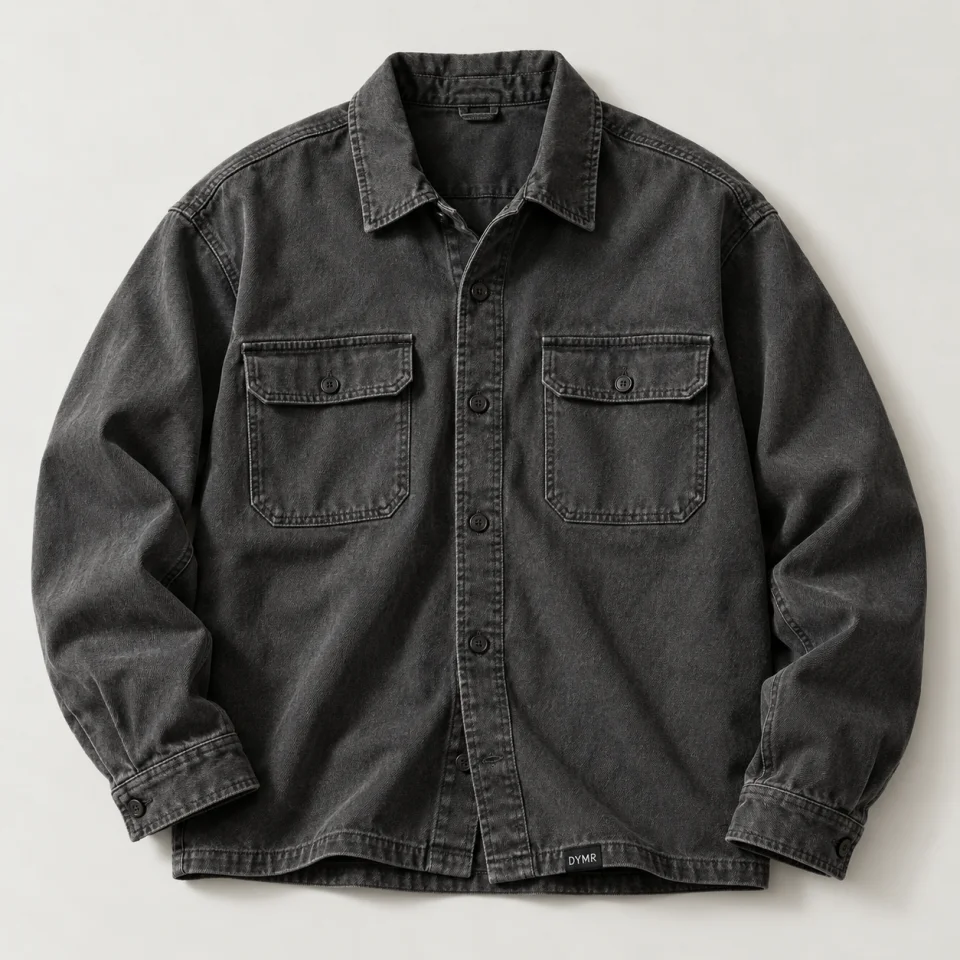
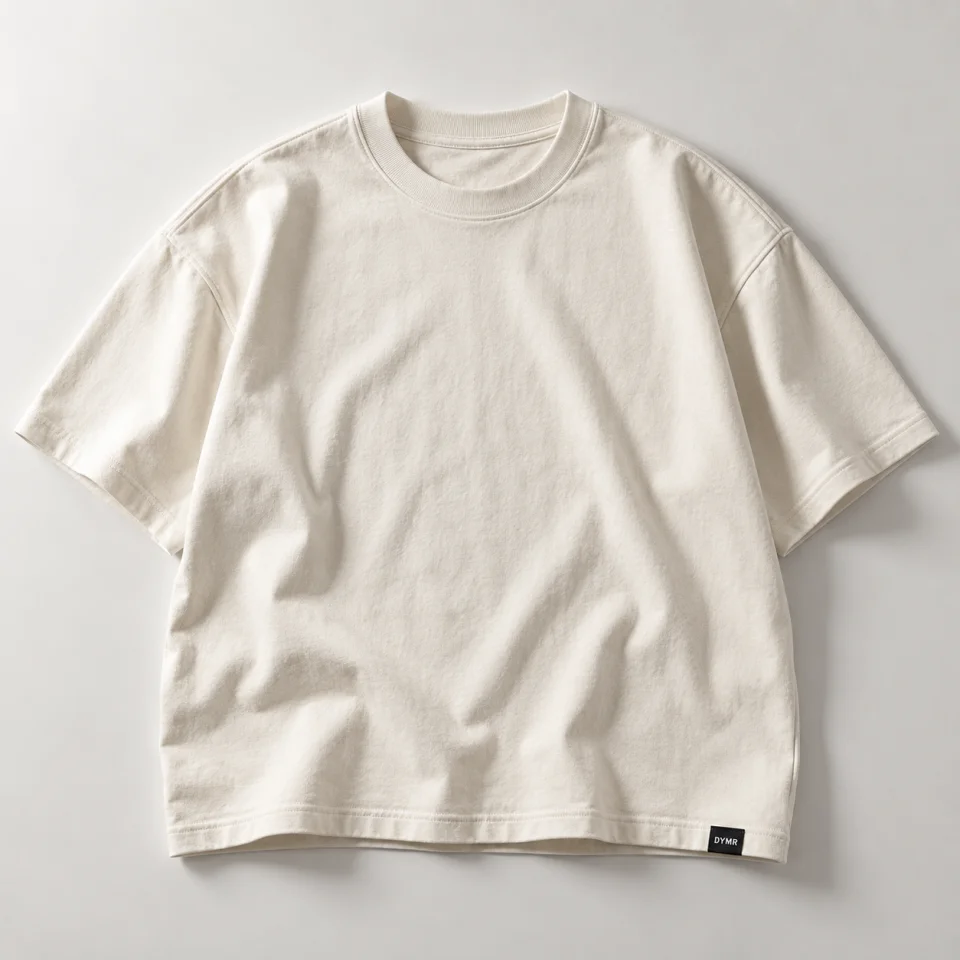
A familiar tee.
A useful next layer.
2 / 3 · Find the people.
Choose customers by what they bought. The purchase condition stays in the campaign plan, beside the message you are preparing.
Keep the audience and its reason in the same place.
See the message3 / 3 · Prepare the moment.
“You know the tee. Meet its next layer.” Prepare a specific invitation for that audience, then review permissions, timing and your sending setup.
A relevant audience and message, together. You decide what goes out.
Explore connected campaignsA DYMR example using Daymerce screens. You choose the products, audience and message. Check marketing permissions before sending; this walkthrough sends nothing.
The same connected thinking.
Across your working day.
Find the customer’s purchase while you are away from your desk. Customer 360 keeps their order history within reach, in the same workspace you use on your laptop.
Your customer history, product knowledge and shop checks become something you can use: a relevant offer, a useful draft or a clear place to solve a problem.
Choose customers who bought related products. Prepare the audience, offer and message together, so your next collection reaches people with a reason to care.
The result: an audience and message preview together in one campaign plan.
Explore connected campaigns“Free delivery.”
“Free delivery on orders over €50.”
Two promises.
One detail to resolve.
See the conflicting passages side by side and follow them to the source. Correct the mixed message where it starts, instead of checking every page from scratch.
The result: one condition to confirm, with both source passages in view.
See the Daycare exampleStart a guide from the product facts you already have. Keep the recommended products attached, refine the wording and turn your knowledge into help choosing.
The result: a useful draft with product context, ready to refine.
Explore content & discoveryFrom looking after the shop to planning its next move. Keep the daily work connected.
 DYMR · ILLUSTRATIVE MOMENTOne promise to checkOffer → delivery page → a clear next step
Understand shop checks and conflicting customer promises, with the source and a next step. Spend less time wondering where to start.
Explore Daycare DYMR · ILLUSTRATIVE MOMENTThe reason stays with the ideaPurchase history → a relevant audience
Bring customer history and product facts into the next campaign or article. Review a useful starting point instead of a blank page.
Explore Daymerce Brain DYMR · ILLUSTRATIVE MOMENTMade to go together.DYMR tee buyers → the Studio Overshirt
Choose customers by what they bought. Bring the audience, offer, rewards and message together, then review the response.
Explore Loyalty & campaigns DYMR · ILLUSTRATIVE MOMENTCaptured. Ready to review.The receipt and its recorded cost, together
Collect invoices and receipts, review recorded costs and prepare the period with your documents already together. Less financial admin to gather later.
Explore Money & bookkeepingOrders, customers, campaigns, content and financial admin share one workspace. The useful details follow the job, so you spend less time moving information between tools.
With the next orders in view, turn to something that brings customers back. Prepare a relevant offer with the people it is for already beside it.
Follow the DYMR campaignIntroduce the Studio Overshirt to tee buyers.
Daymerce comes from running more than one shop. From knowing how often an order, a customer question and the next campaign interrupt each other.
That experience shapes a simple standard: the tools should make the job easier, and the useful details should already be with it.
The thinking behind DaymerceDaymerce connects to the WooCommerce shop you already run. Your orders, customers and daily tools come together in a workspace built around you.
Start with the work you need. Review customer-facing changes, such as checkout, before switching them on.
See how connecting works
Two useful ways to get to know Daymerce. Choose the one that answers your question.
Your shop runs on WooCommerce. Daymerce gives you one connected place to manage the business, with tools to improve the way customers shop with you.
Daymerce connects to your existing shop. Customer-facing tools, including checkout, have their own setup so you can review how they work with your theme, payment methods and plugins.
Daymerce brings everyday shop tools together and connects specialist services for payments, shipping and bookkeeping. Which existing plugins you can replace depends on the work they do and your setup.
Brain explains suggestions and prepares work for your review. You choose what to use, edit or leave. Publishing, sending and other actions follow your permissions and the settings for the tool.
Yes. Daymerce is a mobile-first web app. Check today's priorities, open customer information and handle everyday work on your phone, with a larger workspace when you move to your laptop.
Start with the work you want to make easier. Choose the tools for your shop and add more when you need them. They stay connected as your working day grows.
Bring the work together. Keep more room for your customers, your business and your day.
See Daymerce at workWhy DaymerceMay we measure visits and the journey into Daymerce? We use our own measurement service and Google Analytics. Measurement starts only if you allow it. You can use the site and app without it.
Pages, traffic sources, country, device, Store Check, clicks into the demo and verified steps towards login, an account and a shop connection. Your measurement choice follows you into the app. No passwords, form contents or scanned shop addresses. Measurement and your choice last no longer than 90 days. How Google uses data.