See the costs behind a sale.
Product, packaging and payment costs all matter. Review the costs you have recorded and what is missing; a partial calculation is not the complete margin.

Keep financial admin moving with the rest of your shop. Capture receipts, collect invoices and review recorded costs along the way. When the period comes around, more of the information your bookkeeper needs is already together.
Follow a receipt through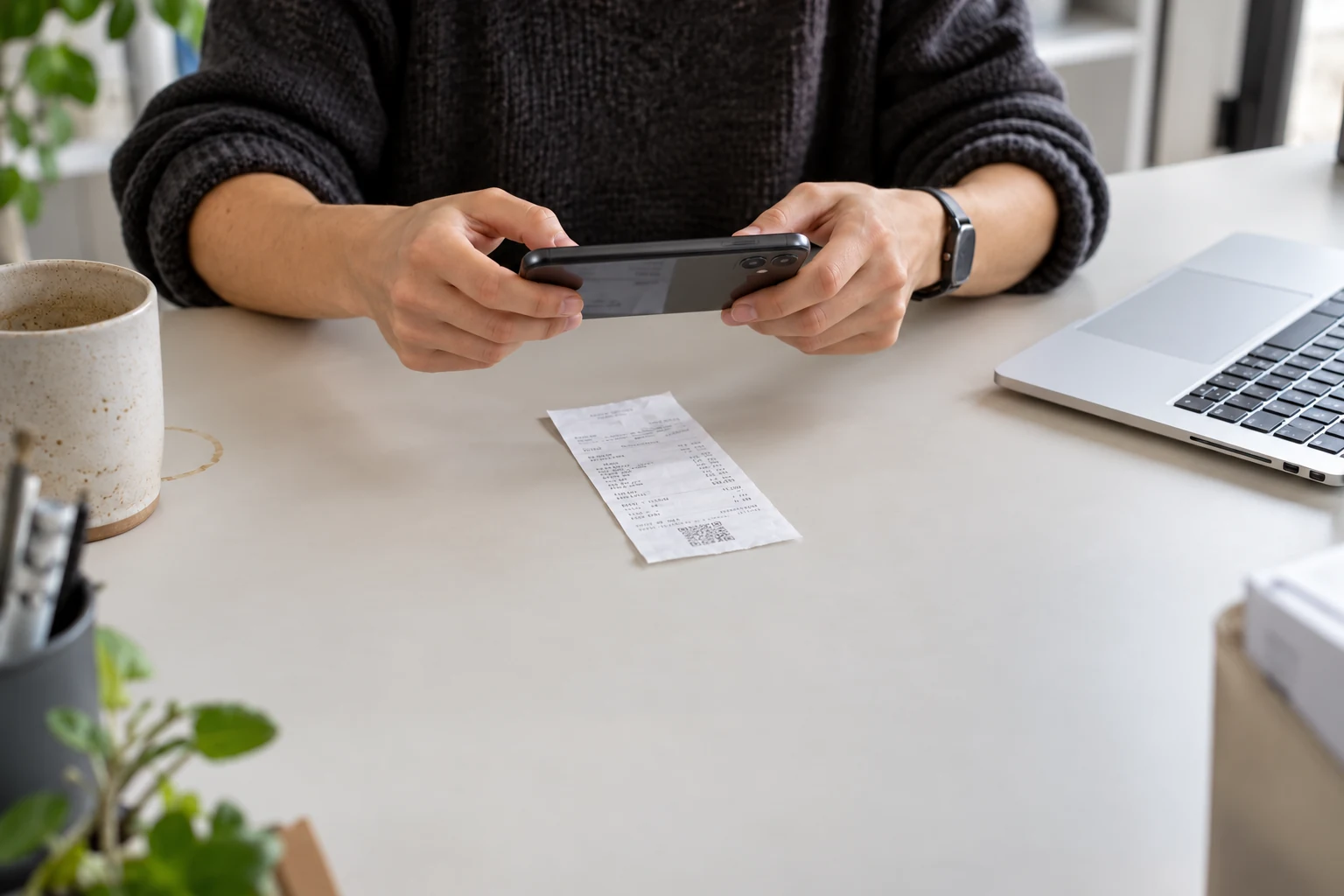
Capture it while it is in front of you. Review the details together.
Handle the detail while it is still in front of you.
Photograph a receipt or upload an invoice into your document inbox.
Review recognised details, the category and the relevant administration.
Place the record in the right period with the original document attached.
AI-assisted recognition prepares information for your review.
Collect once, check the details and give your bookkeeper a clearer starting point.
Product, packaging and payment costs all matter. Review the costs you have recorded and what is missing; a partial calculation is not the complete margin.
Keep the receipt or invoice with its record. Check the original when a detail needs confirming, instead of searching your inbox or camera roll.
Bring together the documents you have collected and check what is still missing. Your bookkeeper provides the professional review and agreed services.
See how connecting worksRead a worked example before interpreting a dashboard as the complete financial picture.
Daymerce helps you organise documents, review costs and prepare your administration. Your accountant or bookkeeper provides the professional review and services you agree with them.
Yes. Capture the receipt, review the extracted details and add it to the appropriate administration. You can return to the original document when you need it.
Daymerce's document and cost tools help prepare your records. Tax filing is handled through your accountant or the relevant services in your bookkeeping system.
Bring the administration into the same rhythm as the rest of your shop.
Explore the whole platformSee plansMay we measure visits and the journey into Daymerce? We use our own measurement service and Google Analytics. Measurement starts only if you allow it. You can use the site and app without it.
Pages, traffic sources, country, device, Store Check, clicks into the demo and verified steps towards login, an account and a shop connection. Your measurement choice follows you into the app. No passwords, form contents or scanned shop addresses. Measurement and your choice last no longer than 90 days. How Google uses data.