A useful first draft.
Set the language and style for the supported writing flow. Compare the suggestion with your current text. Keep what helps and check claims before publishing.

Turn your product knowledge into pages that help people choose. Prepare the draft, keep the right products attached and improve wording and images in the same workspace, with less repetitive work between tools.
Explore the content tools
Start with the facts, then help the customer see what they mean.
Set the language and style for the supported writing flow. Compare the suggestion with your current text. Keep what helps and check claims before publishing.
Turn product knowledge into a buying guide, care article or seasonal collection. Link relevant products as context for the draft. Those links do not by themselves insert product cards, prices or stock claims into the article.
Review selected delivery wording, offer conditions and product information together. Follow possible issues back to their source passages.
See content checks in DaycareA MOMENT WITH DYMR
Follow a DYMR product draft through the real editor. Images, prices and product knowledge belong to the same piece of work.
Start with the Heavyweight Tee in Chalk. Add the product image once and keep a visual reference beside the work.
You can see what you are working on.
Enter the selling price and cost in the product draft. The reference stays in view while you prepare the details.
Less switching between product and price.
Write the fit, fabric and care details. Prepare the search wording in the same draft, then review the remaining product requirements before publication.
The image, price and story stay together.
Daymerce product editor · DYMR example draft, not published.
Bring product facts into the writing task. Shape the language and advice, with the relevant items close to the draft.
Prepare lighter versions of new uploads and existing shop images. Keep the originals, follow progress and work through your library in manageable batches.
Processing stays in your WordPress environment. Pause when you need to, then retry the images that need another go.
See how Daymerce connects
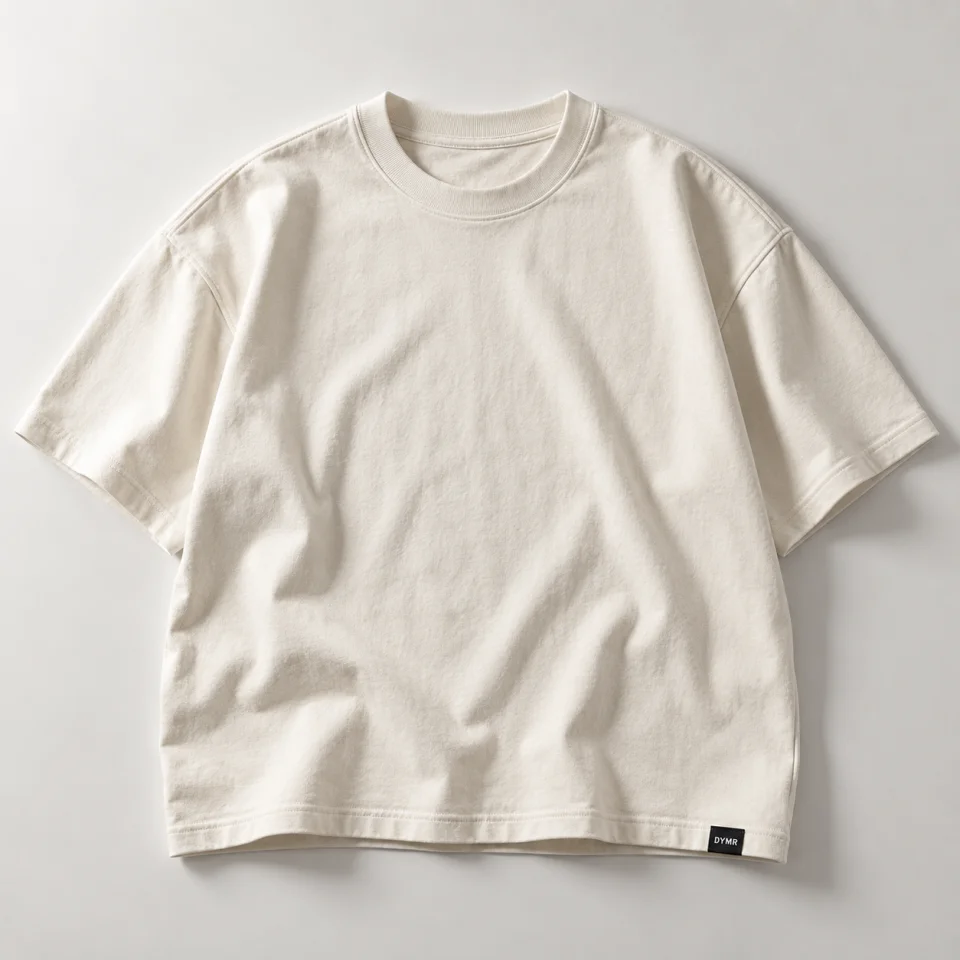
Heavyweight Tee · Chalk · €45
Good discovery starts with useful, accurate information.
Manage titles, descriptions and image descriptions with the product facts behind them. Review suggestions before publishing.
Connected advice and product information give AI shopping experiences more context. Rankings and inclusion in an AI answer remain outside Daymerce’s control.
Meet Daymerce BrainA hidden shop product, an unindexed page and a missing Shopping listing need different checks. Start with the one that actually applies.
Use the product visibility guideThe supported drafting flow is built around comparing and reviewing suggestions. Publishing is a separate action with its own access and checks.
Language checks are part of the content work. Store Check can also flag selected wording issues in the public text it reviews. Suggestions need checking, especially for brand names and specialist terms.
No. Daymerce can help improve the information you manage. It cannot guarantee a search position, traffic level or AI recommendation.
May we measure visits and the journey into Daymerce? We use our own measurement service and Google Analytics. Measurement starts only if you allow it. You can use the site and app without it.
Pages, traffic sources, country, device, Store Check, clicks into the demo and verified steps towards login, an account and a shop connection. Your measurement choice follows you into the app. No passwords, form contents or scanned shop addresses. Measurement and your choice last no longer than 90 days. How Google uses data.