
Before you start
Know which products and customers are relevant. Check stock, communication preferences, campaign permissions and the capabilities of the connected shop.
A recognisable example
DYMR prepares an overshirt offer for customers whose purchases make it relevant. The owner checks the selection instead of assuming that every past buyer wants the same message.
Step by step
- Open Campaign plans and create or open a plan. Give it a recognisable name and define the intended outcome and period.
- Choose the supported audience and review why people match. Check the offer, eligible products, conditions and overlap with other promotions.
- Prepare the message and review the actual copy, product links and required communication settings. A preview is not a send.
- Review the plan and publication or execution checks. After confirmation, inspect the active result and later compare outcomes over a suitable period.
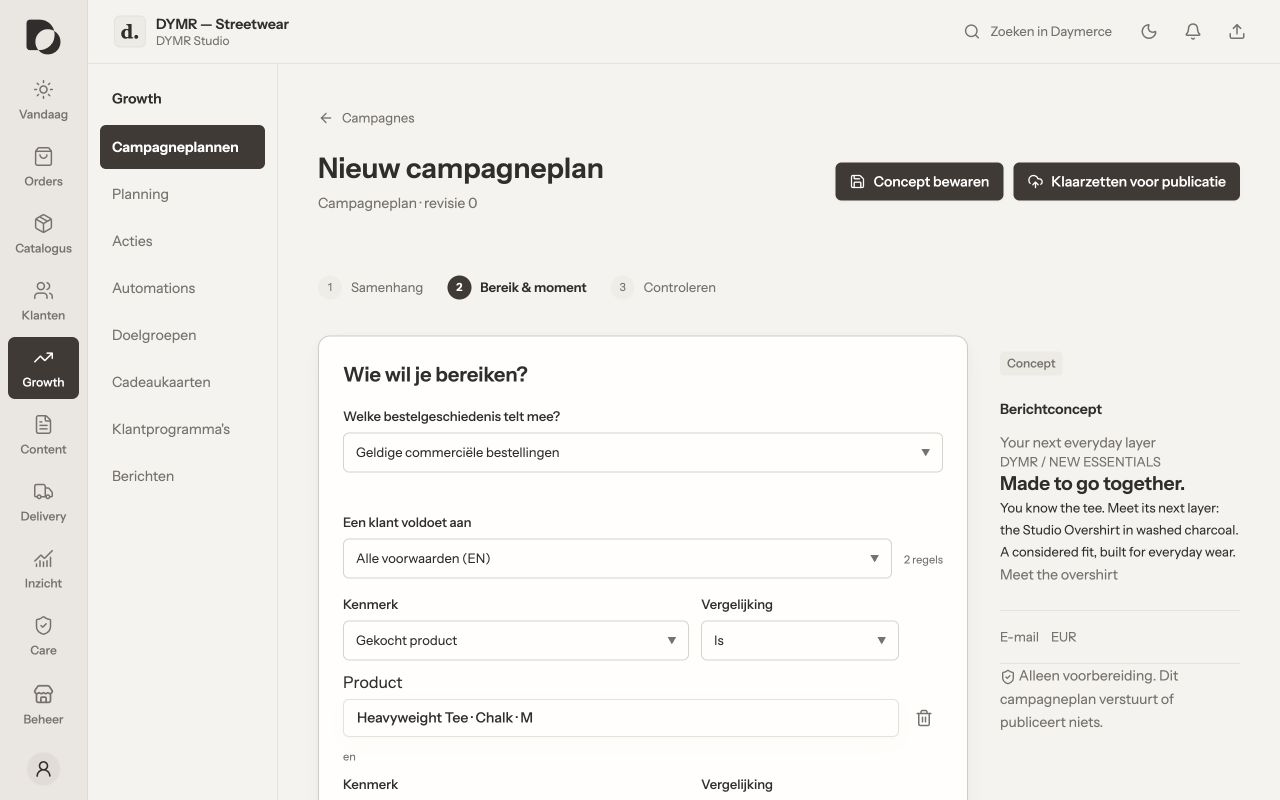
What you should see
You have a deliberate campaign with connected ingredients. Preparing an audience does not establish marketing consent, and a scheduled action still needs its own successful execution.
If it does not work
The plan cannot proceed? Open its checks and resolve the specific blocker: audience, source, permissions, timing or sending setup. Do not remove protective conditions merely to get a green status.
Menu names and available actions depend on your app language, permissions and connected shop. Screens show the real Daymerce interface with fictional DYMR data; original screen labels are preserved.