
Before you start
Open the affected order in the packing round. Check with colleagues before changing a round that somebody else is handling.
A recognisable example
DYMR finds that a tee is damaged. The packer sets the order aside, records the exception and checks the order before deciding what to tell the customer.
Step by step
- Stop on the affected order. Read its products, quantities and instructions again to make sure the problem belongs to this order.
- Use Exception or Pack later as appropriate. Describe the actual problem clearly; do not mark an absent item as checked to get past a requirement.
- Open the order details if you need context or a customer follow-up. Coordinate a stock correction or refund through its own authorised flow.
- Return to the queue and review the orders for later. Resume only when the problem is resolved, then check handover at the end of the round.
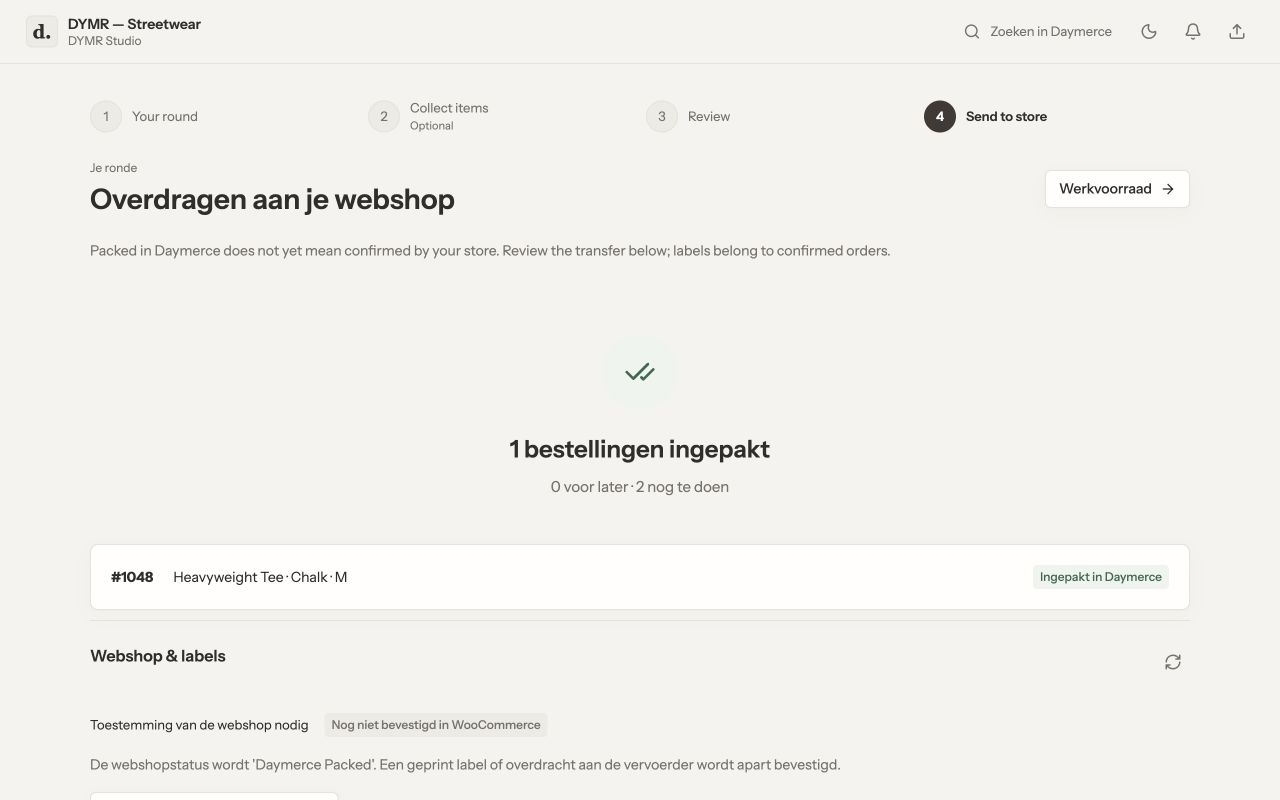
What you should see
The exception stays separate from a correctly packed order. Recording a problem does not automatically refund, replace stock, send an email or change every WooCommerce status.
If it does not work
Connection interrupted during confirmation? Check the round and handover receipts before repeating the action. A locally visible packed state is not sufficient evidence that WooCommerce accepted the handover.
Menu names and available actions depend on your app language, permissions and connected shop. Screens show the real Daymerce interface with fictional DYMR data; original screen labels are preserved.